Time blocking your day works well for small business owners and solopreneurs, and it helps you see what you have done throughout the day. It also stops you from getting lost in non-urgent tasks. When I started my business after my kids were born, I found this way was the only way I could stay focused on my jobs and get them done while being distracted by the children and their activities. So, today I will give you valuable tips on creating a time-blocking plan to be more productive and move your business forward.
Topics
Key Takeaways
- Time blocking helps small business owners and solopreneurs enhance productivity while managing distractions.
- Identify your peak energy times for effective task planning and create lists of high-energy and low-energy tasks.
- Use 15, 30, or 1-hour increment planners for time blocking to manage tasks effectively.
- Include breaks and plan weekly for upcoming activities when using time blocking.
- Evaluate your time-blocking strategy after three weeks to see if adjustments are necessary.
Figure out what your best energy time is during the day.
Everyone has a time of day when they feel more productive and can focus easily. In this section, you will be determining the energy peak that will give you direction on what you need to do during that time.
How to determine my low-energy and high-energy times?
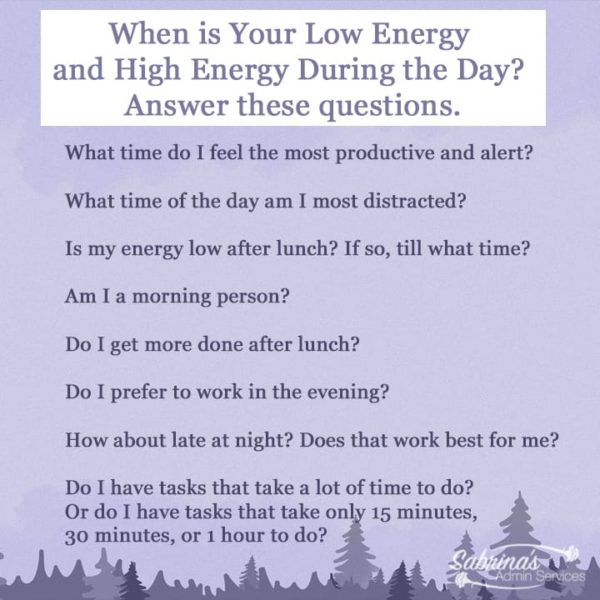
To determine the low-energy and high-energy parts of your day, answer these questions.
What time do I feel the most productive and alert?
What time of the day am I most distracted?
Is my energy low after lunch? If so, till what time?
Am I a morning person?
Do I get more done after lunch?
Do I prefer to work in the evening?
How about late at night? Does that work best for me?
Do I have tasks that take a lot of time? Or do I have tasks that take only 15 minutes, 30 minutes, or 1 hour?
Now that you have determined the high- and low-energy parts of your day. Write down these times and the answers to these questions on a sheet of paper. It is time to determine the tasks for those times of the day.
Low Energy Tasks for Time Blocking Planner
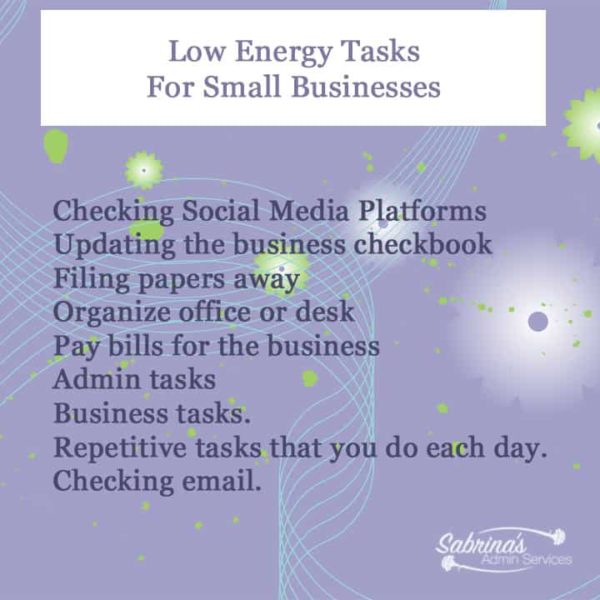
A low-energy block of time is excellent for your business admin tasks. If your energy is low, do these tasks:
Checking Social Media Platforms
Updating the business checkbook
Filing papers away.
Organize the office or desk (affiliate).
Pay bills for the business.
Admin tasks
Business tasks.
Repetitive tasks that you do each day.
Checking email.
High Energy Tasks for Time Blocking Planner
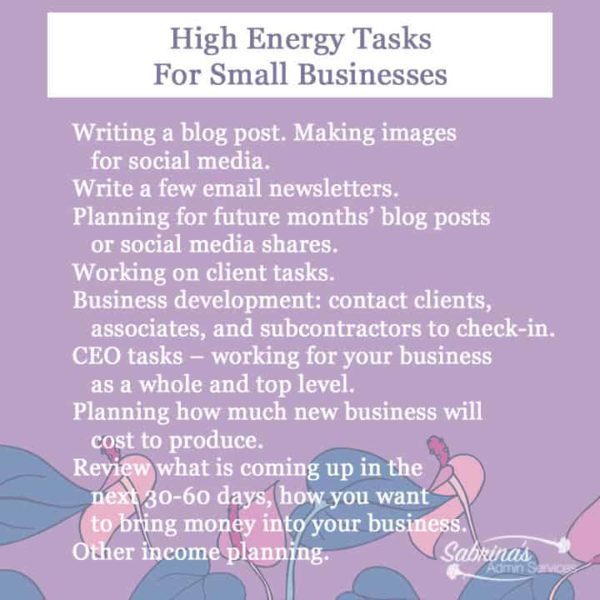
Now, let’s review high-energy tasks. High-energy blocks of time are great for the focused jobs that need them. Some examples of high-energy tasks are:
Writing a blog post. Making images for social media.
Write a few email newsletters.
Planning for future months’ blog posts or social media shares.
Working on client tasks.
Business development: contact clients (affiliate), associates, and subcontractors to check in.
CEO tasks – working for your business as a whole and top level.
Planning how much new business will cost to produce.
Review what is coming up in the next 30-60 days and how you want to bring money into your business.
Other income planning.
Draw a line down the page and write “Low Energy Tasks” and in the other column, “High Energy Tasks.” By doing this, you will have a quick go-to list that shows you which tasks are in each time-block energy level. Create a list of these high-energy and low-energy tasks and how much time it will take to do them. It should look something like this below.
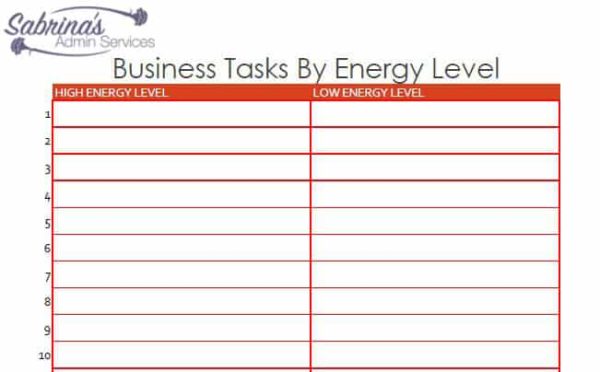
Now that you have determined your tasks and have a go-to list of jobs to do. Let’s discuss the time-blocking planners you can use.
Three Types of Time-Blocking Planners Layouts
There are several different types of time-blocking planner layouts. We are going to focus on the three main ones. 15-minute increments, 30-minute increments, and 1-hour increments. Breaking them up this way will give you direction on how to break up the planner when assigning tasks to time blocks.
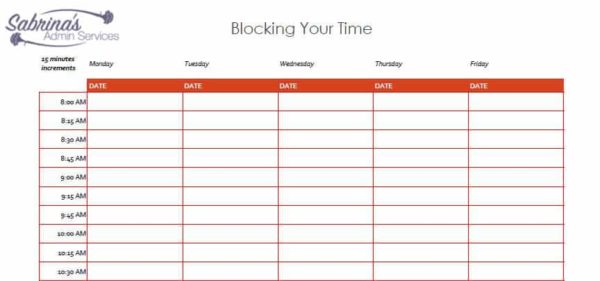
Blocking Your Time in 15-Minute Increments.
Let’s start with 15-minute increment planners. These planners are great for business owners with many small tasks each day. A small task could be calling clients (affiliate) throughout the day. This also helps people who want to micromanage their calendar to make it super detailed. Here’s an example of what a 15-minute increment block planner sheet looks like.
Blocking Your Time in 30-Minute Increments.
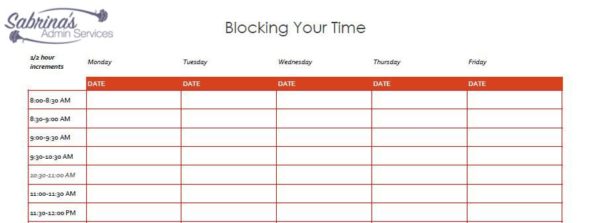
The next planner is displayed in 30-minute increments. These layouts work well for business owners who need a little more flexibility in their schedules. They may also need to add travel time for trips to visiting clients (affiliate). Below is an example of what this looks planner looks like.
Blocking Your Time in 1-hour increments.
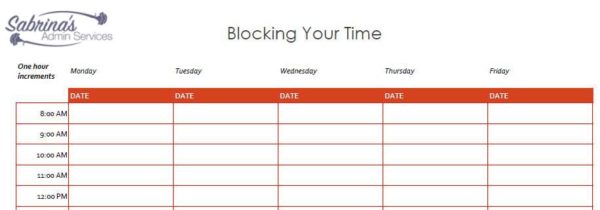
This 1-hour increment planner is useful for business owners who may have larger projects that they could be working on for hours. It is also helpful to manage the time of these larger projects because you can break them down for each hour of your day. Below is an example of what this planner looks like.

Tips on Time Blocking on Your Calendar
If projects are too large, you may need to break them down throughout the week or day.
Include breaks in your day. Add lunch and snack times to your time blocks.
Plan on Sunday for the coming week and block out all the activities that need to be completed.
If you have recurring time blocks, enter them into a Microsoft Excel or Google Sheets spreadsheet and set up your planner. Modify it every week for the next week, so you do not need to write the recurring blocks.
Blocking out the travel time on the calendar is important.
If you are looking for time blocking sheets, I am offering a free PDF that includes the complete 15 30 and 1 hour time blocking sheets as well as a high and low-energy sheet. Fill the form out below to get your FREE copy PLUS our other free ebooks!
Time Blocking Free Ebook
You are signing up for our newsletter to get a copy of our Time Blocking Free Ebook from our post “Time Blocking Tips To Keep You Focused in Your Business”.
There are apps that do Time Blocking tasks you can use. However, it is important to do this manually for a few months until you get used to the process. Then, you can set it up digitally. Doing it physically will help you change the habit and get used to the new process quicker than doing it digitally first.
Apps for time blocking:
There are a variety of apps you can use to do time blocking. Some are free, and others have a fee. Pick the one that’s best for you.
How long should I do this to see if it works?
You can reevaluate the time-blocking strategy you selected each week and tweak the tasks you skipped.
Allow at least three weeks and see if the blocking tasks are working for you. You will need to adjust the number of times you start and finish, and you may need to add or remove details.
Time blocking is a productivity method where you assign specific tasks to set blocks of time on your calendar.
It works especially well for small business owners and solopreneurs because it helps you see exactly what you’ve accomplished throughout the day, keeps you from getting lost in non-urgent tasks, and gives you a structured plan to follow — even when distractions (like kids or client calls) pop up.
Start by asking yourself a few simple questions: When do I feel most alert and productive? Am I a morning person or do I get more done after lunch? When am I the most distracted? Does my energy dip after eating?
Once you answer these, you’ll see a pattern that shows your natural high-energy and low-energy windows. Write those times down so you can match the right tasks to the right part of your day.
During your low-energy blocks, focus on simpler admin tasks like checking email, paying business bills, updating your checkbook, filing papers, organizing your desk, and scrolling through social media.
Save your high-energy blocks for the jobs that need real focus — things like writing blog posts, creating social media images, planning future content, working on client projects, business development outreach, and big-picture CEO-level planning.
It depends on your work style. A 15-minute increment planner is ideal if you have lots of small, quick tasks (like short client calls) or you like a super-detailed schedule. A 30-minute increment layout gives you more flexibility and works well if you need to account for travel time between appointments. A 1-hour increment planner is best for business owners working on larger projects that take longer blocks of focused time.
Give it at least three weeks before deciding if time blocking is working for you. During that time, reevaluate your schedule each week, tweak any tasks you skipped, and adjust your start and finish times as needed.
You may also need to add or remove tasks as you settle into the process. After three weeks, you’ll have a much clearer picture of whether your chosen layout and schedule are helping you stay productive.
Your commitment to making your business more productive will help you get your block schedule organized for the week. Would you mind leaving a comment on any questions you may have about blocking tasks?
If you need help with your time blocking setup and managing your time, feel free to contact me, and we can set up a virtual consultation to talk about your situation.
Here are some more posts I found online about time-blocking planner layouts and tips.
Are you time blocking your calendar? Here’s why you should start now. by Asana
Time Blocking by Todoist
Please note these are affiliate links through Amazon (affiliate) and at no additional cost to you, I will earn an affiliate commission if you click through and decide to make a purchase.







Leave a Reply